
Best Gear for Working From Your Hotel Room
The ten things that separate a productive hotel work session from a frustrating one.
The Hotel Desk Problem
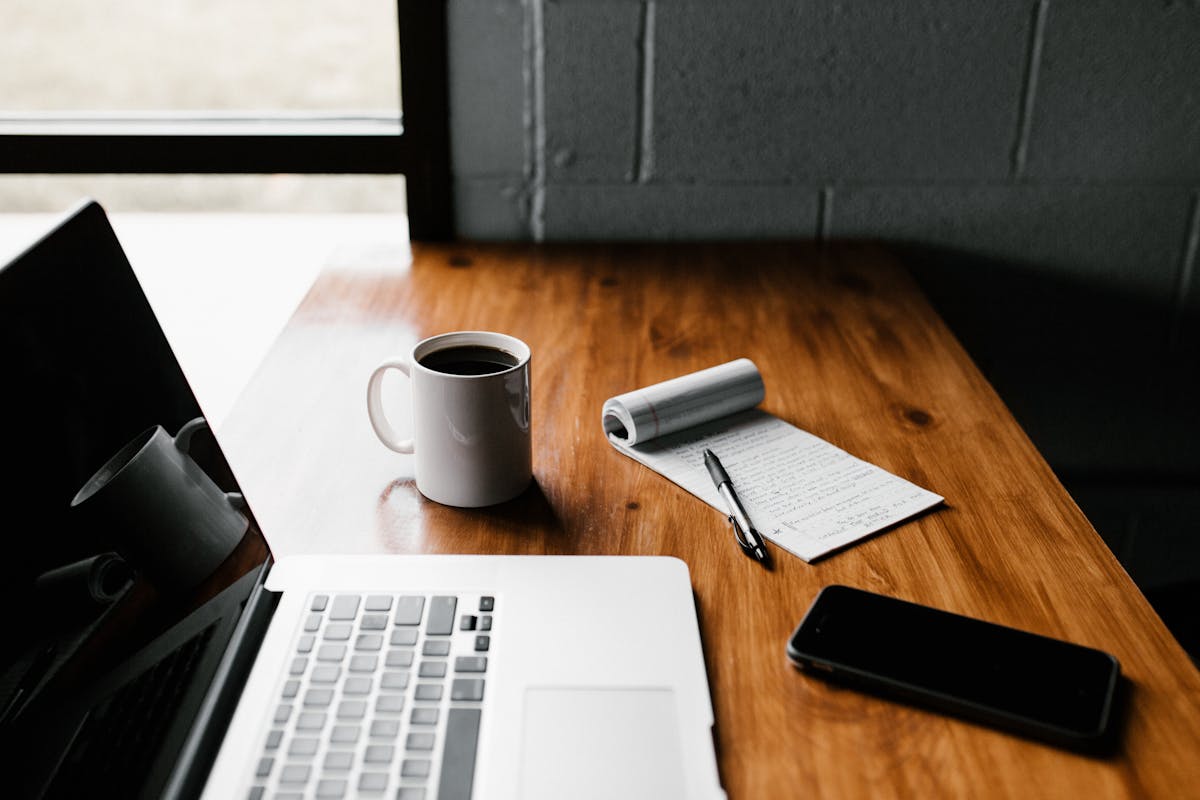
You’ve booked a great hotel. The room is beautiful, the location is perfect, and then you sit down to work. The desk is a decorative ledge bolted to the wall. The chair belongs in a dining room. The outlet is behind the nightstand. Every remote worker who’s tried to take a Zoom call from a hotel room knows this feeling.
The hotel industry hasn’t caught up to how people actually travel now. The right gear closes that gap. Not a suitcase full of equipment, just a few things that weigh almost nothing and make a hotel room genuinely workable.
Here’s the setup that’s worked across dozens of hotels, lobbies, and airport lounges.
The Laptop: Your Entire Office in Three Pounds

MacBook Air M4, MacBook Pro M4, or Dell XPS 13
This is the foundation. Everything else on this list is an accessory; your laptop is the office itself. The MacBook Air M4 is the sweet spot for most remote workers – up to 18 hours of battery life means you can work a full day without hunting for outlets. It’s silent (no fan), handles video calls without breaking a sweat, and weighs 2.7 pounds. The M4 chip adds enough horsepower that most people won’t need the Pro anymore.
If your work involves development, video editing, or heavy multitasking, the MacBook Pro M4 is the step up. More ports, a brighter XDR display, and the power for demanding workflows. Apple Silicon has made the “can I actually work from this?” question irrelevant.
For Windows users: The Dell XPS 13 is the closest equivalent to the MacBook Air – premium aluminum build, 13.4-inch display, Intel Core Ultra 7 with all-day battery life, and it’s one of the thinnest laptops you can buy. If your work requires Windows-specific software, this is the one to pack.
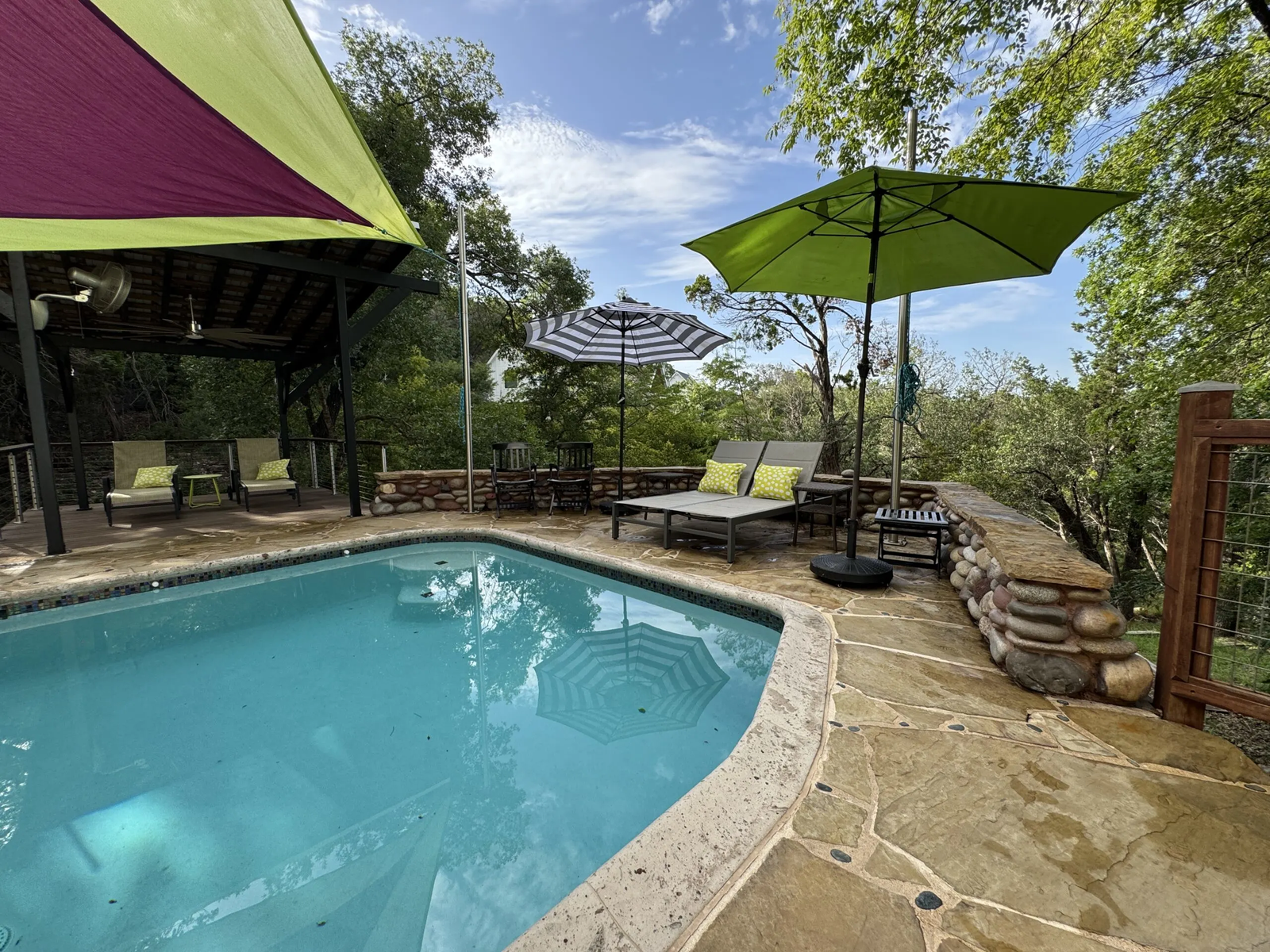
Why it matters for hotel work: Battery life is the killer feature. Hotel rooms are notorious for having too few outlets in inconvenient places. A laptop that lasts all day means you can work from the lobby, the pool deck, or a cafe without a power anxiety spiral.
Check MacBook Air M4 price on Amazon | Check MacBook Pro M4 price on Amazon | Check Dell XPS 13 price on Amazon
Where We’d Stay in Austin


The Portable Monitor: Two Screens, 1.5 Pounds

LG gram +view (16MR70)
This is the single biggest productivity upgrade for hotel work, and most people don’t know it exists. A 16-inch WQXGA (2560x1600) IPS display that weighs just 1.5 pounds, connects with a single USB-C cable, and fits in a laptop sleeve. Plug it in and you have a dual-monitor setup anywhere.
The LG gram +view punches well above its weight class. The 16:10 aspect ratio gives you more vertical space for documents and code than a standard widescreen, the color accuracy covers the full sRGB gamut, and the magnetic cover doubles as a stand. It looks and feels like a premium piece of kit – because it is.
The difference is immediate. Instead of toggling between your document and your reference material, or between Slack and your spreadsheet, you can see both. Hotel desks are small, but a portable monitor on a stand next to your laptop fits on even the narrowest surfaces.
Why it matters for hotel work: The number-one complaint from remote workers in hotels isn’t WiFi – it’s screen real estate. One monitor feels like working with one hand tied behind your back once you’re used to two.
Plan your trip
Ready to book Austin?
Check availability and rates for your dates.
Powered by Booking.com. Affiliate links — we may earn a commission at no extra cost to you.
Noise-Canceling Headphones: Your Portable Office Door

Bose QuietComfort or AirPods Pro 2
Hotels are noisy. Hallway conversations, housekeeping carts, the ice machine at 6 AM, pool-deck music bleeding through the window. Noise-canceling headphones aren’t a luxury for hotel work – they’re the thing that makes it possible.
The Bose QuietComfort is the gold standard. Best-in-class noise cancellation, 24-hour battery life, adjustable EQ, and they fold flat for packing. The build quality feels premium without being flashy – exactly what you want pulling these out at a hotel lobby or airport lounge.
If you prefer something more compact for flights and transit, the AirPods Pro 2 are the move. They disappear in your pocket, deliver surprisingly effective noise cancellation for earbuds, and the USB-C case charges alongside everything else in your bag. They won’t match the Bose for all-day desk sessions, but for plane rides and quick calls they’re hard to beat.
Why it matters for hotel work: Beyond blocking noise, good headphones with a quality microphone make your Zoom calls sound professional. The built-in mics on both of these are good enough that colleagues won’t know you’re in a hotel room unless you tell them.
Check Bose QuietComfort price on Amazon | Check AirPods Pro 2 price on Amazon
The Travel Router: Better WiFi Than the Hotel Offers
GL.iNet Beryl AX (GL-MT3000)
This is the gear-nerd pick that earns its place in the bag every single trip. A travel router creates your own private WiFi network from whatever the hotel provides. Why does that matter? Three reasons: it’s typically faster (you’re not sharing a channel with 200 other guests), it’s more secure (your traffic isn’t on an open network), and you only have to sign in to the hotel’s captive portal once – all your devices connect to your private network automatically.
A travel router turns mediocre hotel WiFi into something reliable.
Why it matters for hotel work: If you’ve ever been on a video call that froze because the hotel WiFi dropped, or spent 10 minutes re-authenticating every device after the network cycled, a travel router solves both problems – and it’s one of the cheapest items on this list.
The Portable Charger: Freedom From the Outlet Hunt
Anker 737 Power Bank
24,000mAh, 140W output, charges a MacBook Air M4 from empty to full. That last spec is the important one – most power banks can charge a phone, but this one can charge your laptop. It weighs about a pound and a half, which is real weight in a bag, but the trade-off is worth it.
Why it matters for hotel work: The best working spots in a hotel are rarely the ones with outlets. The lobby couch with the best light, the pool deck, the rooftop terrace – none of these have a power outlet where you need one. A serious power bank means you can work from the best spot, not the most convenient one.
Rugged Storage: Protect Your Work
SanDisk Extreme PRO Portable SSD or Samsung T7 Shield
Hotel WiFi drops mid-upload. Cloud sync stalls on conference center bandwidth. Your laptop takes a coffee bath. If your work exists in only one place, you’re one bad moment away from a very bad week. A rugged external SSD is the insurance policy that weighs almost nothing.
The SanDisk Extreme PRO is the go-to for most professionals. 2000MB/s transfer speeds, IP65 water and dust resistance, two-meter drop protection, and a forged aluminum chassis with a carabiner loop for clipping to a bag. It backs up a full day’s work in seconds, not minutes.
If you want a second option, the Samsung T7 Shield is IP65 rated for water and dust resistance with a 9.8-foot drop rating, USB 3.2 Gen2 speeds up to 1050MB/s, and 256-bit AES hardware encryption. It’s compact, well-priced, and has become a go-to for photographers and video professionals on location.
Why it matters for hotel work: You’re working outside your normal environment, on networks you don’t control, in rooms where drinks get knocked over. A rugged SSD that backs up your work every evening is the difference between a minor inconvenience and a career-defining disaster.
Check SanDisk Extreme PRO price on Amazon | Check Samsung T7 Shield price on Amazon
The Executive Notepad: Think on Paper, Sync to the Cloud

reMarkable Paper Pro or iPad Pro M4
Some ideas need a pen, not a keyboard. Whether it’s sketching out a project timeline, annotating a contract, or taking handwritten notes during a call, a dedicated notepad earns its space in the bag.
The reMarkable Paper Pro is purpose-built for this. An E Ink display that genuinely feels like writing on paper, zero distractions (no apps, no notifications, no browser), and it syncs your handwritten notes to the cloud. At 1.16 pounds, it’s lighter than most notebooks. This is the kind of device that signals you’re there to think, not scroll.
If you want a multi-purpose device, the iPad Pro M4 with Apple Pencil does everything the reMarkable does plus presentations, document review, and entertainment on flights. The Ultra Retina XDR display is overkill for note-taking but justified if you’re also reviewing designs, watching briefing videos, or presenting to clients in the hotel conference room.
Why it matters for hotel work: Conference rooms, lobby meetings, poolside brainstorms – a lightweight tablet that handles notes and syncs them instantly means you’re never transcribing from a legal pad at midnight.
Check reMarkable Paper Pro price on Amazon | Check iPad Pro M4 price on Amazon
The Laptop Stand: Save Your Neck
Roost V3 or Nexstand K2
This is the thing you don’t think you need until you’ve spent three days hunched over a hotel desk and your neck won’t forgive you. A laptop stand raises your screen to eye level, which sounds minor until you’ve experienced the difference over a full workday.
The Roost V3 is the gold standard – lightweight, adjustable, and built to last. The Nexstand K2 does most of the same job at a lower price point. Both fold down to about the size of a water bottle.
Why it matters for hotel work: A stand requires a separate keyboard (see below), but the ergonomic improvement over a multi-day hotel stay is dramatic. If you’re working from hotels more than a couple of times a year, your neck and shoulders will thank you.
Check Roost V3 price on Amazon | Check Nexstand K2 price on Amazon
The Compact Keyboard: The Stand’s Partner
Logitech MX Keys Mini
Once you’re using a laptop stand, you need an external keyboard. The MX Keys Mini is the best compact option – full-sized keys in a tenkeyless layout, backlit, and it connects to three devices simultaneously via Bluetooth. The key feel is closer to a MacBook keyboard than most external options, so the transition is seamless.
Why it matters for hotel work: The stand-plus-keyboard combo turns any flat surface into a proper workstation. Hotel desk, coffee table, even a room service tray on the bed – the setup adapts to whatever the room gives you.
The Cable Organizer: The Unsung Hero
Peak Design Tech Pouch
Eight devices means eight cables, plus adapters, dongles, and the travel router. Without organization, the bottom of your bag becomes a cable nest by day two. The Peak Design Tech Pouch is over-engineered for what it does, but that’s the point – every cable has a slot, every adapter has a pocket, and you can find what you need without dumping everything on the bed.
Why it matters for hotel work: The five minutes you save every morning not untangling cables adds up over a week. It also means you don’t leave a charger behind – everything has a place, so you notice when something’s missing.
The Full Setup: Under Five Pounds
Here’s the reality check. Beyond your laptop, the core setup adds less than six pounds to your bag:
- Portable monitor: 1.5 lbs
- Headphones: 0.55 lbs
- Travel router: 0.3 lbs
- Power bank: 1.4 lbs
- Rugged SSD: 0.35 lbs
- Stand + keyboard: 1.2 lbs
- Cable organizer: 0.5 lbs
That’s about 5.8 pounds for the core kit. Add the reMarkable (1.16 lbs) or iPad Pro (1.03 lbs) if you’re a notes-on-paper person. You don’t need all of it every trip – the headphones, travel router, power bank, and SSD are the non-negotiables. The monitor, notepad, stand, and keyboard are for trips longer than a weekend.
Finding Hotels That Work for Remote Work
The gear closes the gap, but starting with the right hotel makes everything easier.
Browse remote work-friendly stays in the cities we cover:
- Austin remote work stays – strong coworking culture and hotel options to match
- Nashville remote work stays – surprisingly strong WiFi infrastructure across the city
- Denver remote work stays – mountain views and productive mornings
- Miami remote work stays – pool deck productivity if you can resist the beach
- San Diego remote work stays – year-round weather that makes the lobby a workspace
Frequently Asked Questions
Common questions about staying in Austin, answered with data from our research.
What is the best laptop for working from hotels?
The MacBook Air M4 is the best all-around option for most remote workers. It weighs under three pounds, gets up to 18 hours of battery life, and handles video calls, writing, and design work without breaking a sweat. If you need more power for development or video editing, the MacBook Pro M4 is the step up. For Windows users, the Dell XPS 13 is the premium equivalent – thin, lightweight, and built for all-day work.
Do hotels have good enough WiFi to work remotely?
It varies widely, but most upscale and boutique hotels now offer reliable WiFi. A travel router like the GL.iNet Beryl AX helps by creating a private network from the hotel’s WiFi, which is typically faster and more secure than connecting directly. For critical calls, having your phone as a hotspot backup is non-negotiable.
Is a portable monitor worth it for travel?
If you work from hotels more than a few times a year, a portable monitor is the single biggest productivity upgrade you can make. Hotel desks are small, but a 16-inch USB-C monitor like the LG gram +view adds enough screen real estate to keep a document and a reference open side by side. It weighs just 1.5 pounds and fits in a laptop sleeve. The difference between one screen and two is the difference between working and fighting your setup.
What should I pack for working remotely from a hotel?
Start with the essentials: your laptop, a portable charger, noise-canceling headphones, a travel router, and a rugged external SSD for backups. If you work from hotels regularly, add a portable monitor, a notepad like the reMarkable or iPad Pro, a laptop stand for ergonomics, and a compact keyboard. A cable organizer keeps everything from becoming a tangled mess in your bag. The core kit weighs about 5.8 pounds beyond your laptop – worth it for any trip longer than a couple of days.
Do I need an external hard drive for remote work travel?
If your work matters, yes. Hotel WiFi is unreliable for cloud backups, and a laptop failure mid-trip with no local backup is a worst-case scenario. A rugged portable SSD like the SanDisk Extreme PRO weighs under half a pound, transfers files at 2000MB/s, and is IP65 rated for water and dust. Back up at the end of each work day – it takes seconds, not minutes.
reMarkable vs iPad for business travel?
It depends on how you work. The reMarkable Paper Pro is a distraction-free writing tablet with a paper-like E Ink display – no apps, no browser, just notes and documents. It excels at focused thinking, meeting notes, and contract annotation. The iPad Pro M4 does everything: notes with Apple Pencil, presentations, document review, entertainment, and video calls. If you already carry a laptop, the reMarkable is the lighter, more focused addition. If you want to leave the laptop behind for shorter trips, the iPad Pro can cover more ground.
Browse by style in Austin
Related Guides
More travel intel for planning your trip.